> For the complete documentation index, see [llms.txt](https://docs.console.zenlayer.com/welcome/llms.txt). Markdown versions of documentation pages are available by appending `.md` to page URLs; this page is available as [Markdown](https://docs.console.zenlayer.com/welcome/ai-gateway/ai-gateway-integration/chatwise.md).
# ChatWise
ChatWise is a simple, powerful and privacy-friendly AI chat application.
You can view [**Help Guide**](https://docs.chatwise.app/image-generation.html#custom-providers) for more details about installation and API integration.
## API Endpoint Management
1. Navigate to **Settings > Provider**. Click at the bottom and select **OpenAI Compatible**.
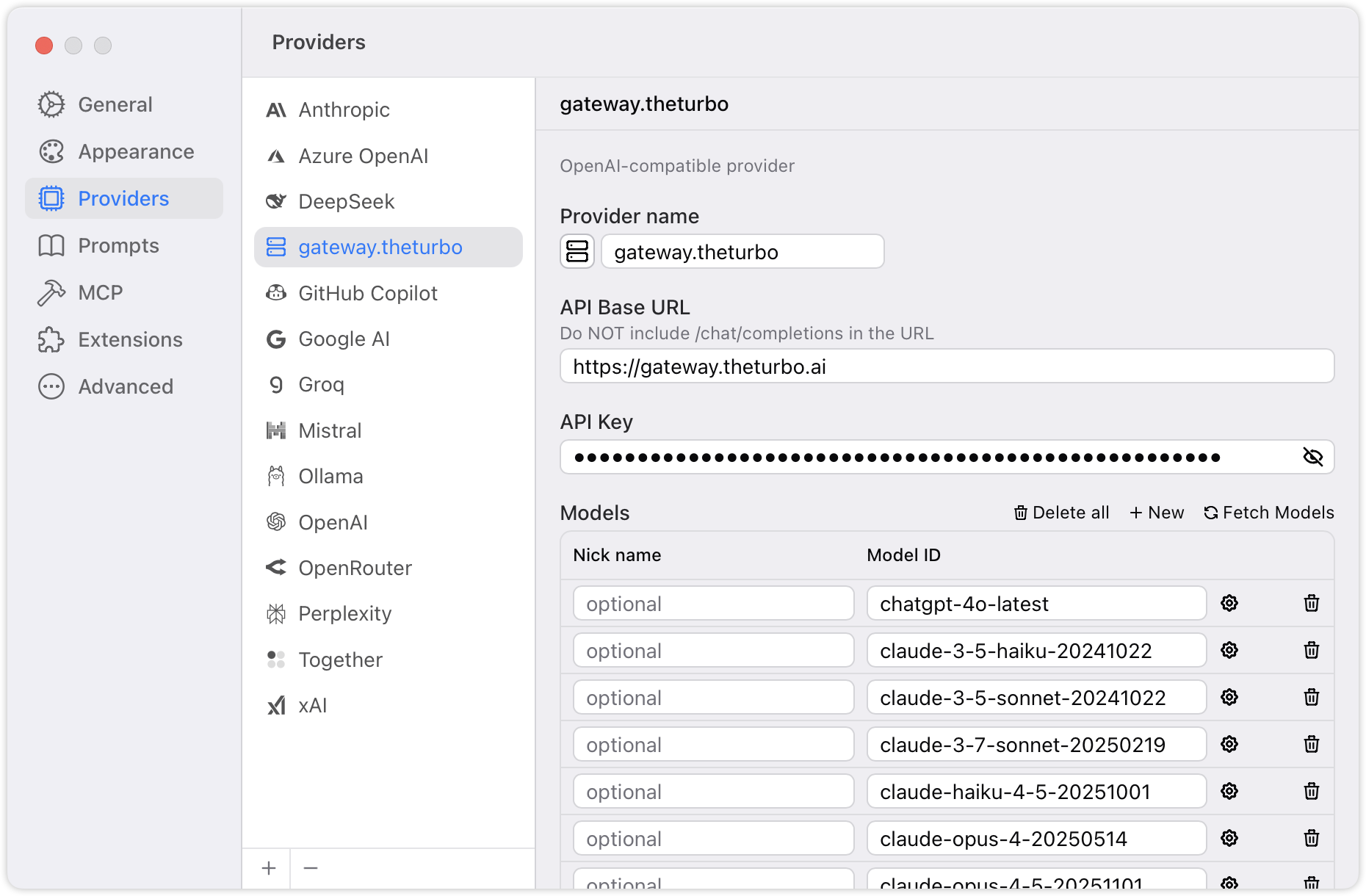
2. Enter the provider name, API Base URL and API Key.
3. Click Fetch Models to manage all the accessed models.
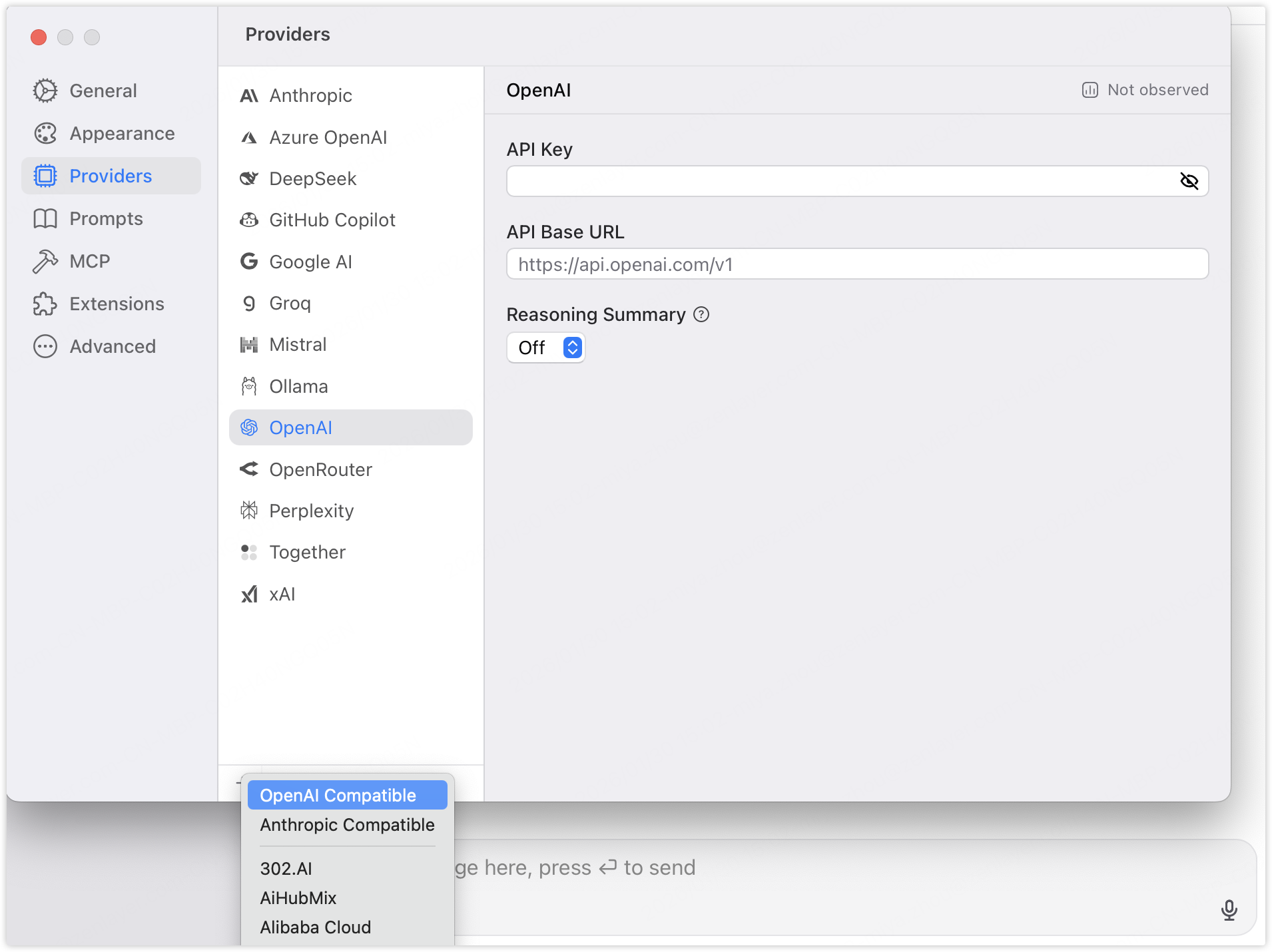
 at the bottom and select **OpenAI Compatible**.