# Cherry Studio

Cherry Studio 是一款支持多种大语言模型（LLM）提供方的桌面客户端，适用于 Windows、macOS 和 Linux 平台。有关安装和 API 集成的更多信息，请查看 [**GitHub**](https://github.com/CherryHQ/cherry-studio)。

## API Endpoint 管理

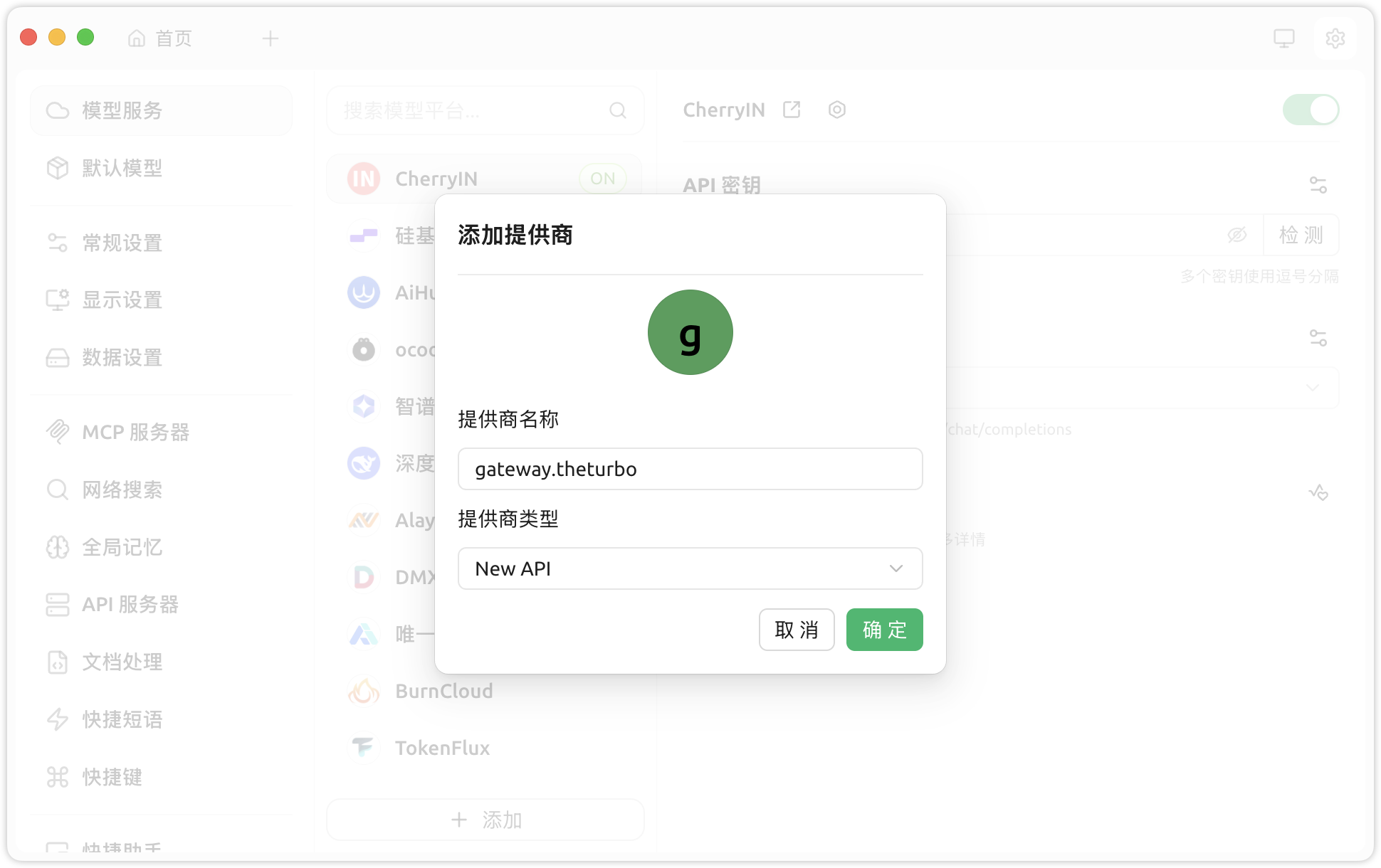
1. 进入 **设置 > 模型提供商 > 添加**。
2. 将 **提供商名称** 设置为 `gateway.theturbo`，并将 **提供商类型** 设置为 **New API**。<br>

   <div align="left" data-with-frame="true"><figure><img src="/files/QB2rE3f5TCRmfkWzGdBY" alt=""><figcaption></figcaption></figure></div>
3. 将 `https://gateway.theturbo.ai` 填写为 **API 地址**，并输入创建 AI 网关实例后生成的 **API 密钥**。<br>

   <div align="left" data-with-frame="true"><figure><img src="/files/G7XbfKAMjmvEC7aBlEjF" alt="" width="375"><figcaption></figcaption></figure></div>
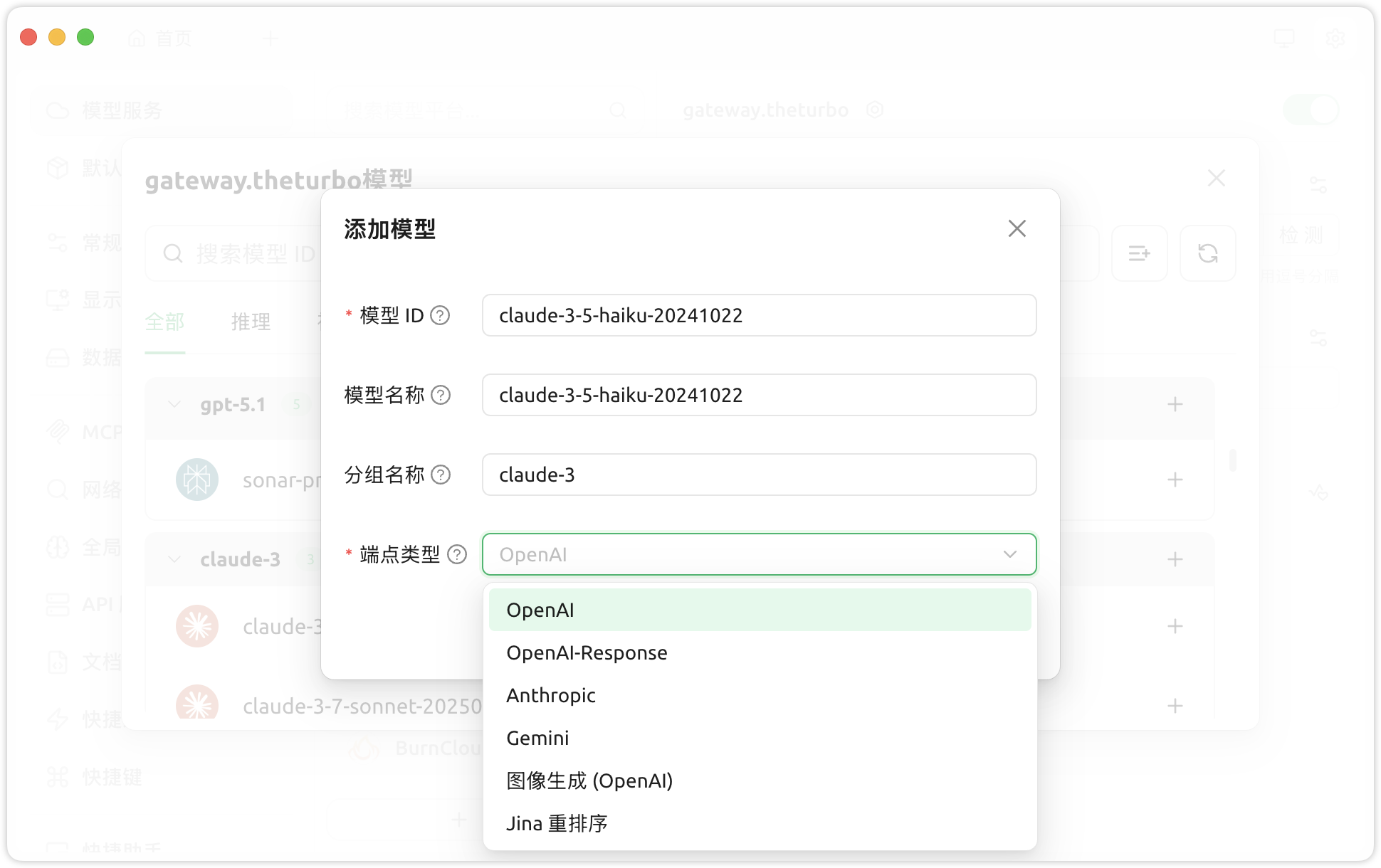
4. 点击 ***管理*** 以添加或移除模型。<br>

   <div align="left" data-with-frame="true"><figure><img src="/files/UqIIQeDrtjkMuhAfMhq0" alt=""><figcaption></figcaption></figure></div>


---

# Agent Instructions: Querying This Documentation

If you need additional information that is not directly available in this page, you can query the documentation dynamically by asking a question.

Perform an HTTP GET request on the current page URL with the `ask` query parameter:

```
GET https://docs.console.zenlayer.com/welcome/cn/ai-gateway/ai-gateway-integration/cherry-studio.md?ask=<question>
```

The question should be specific, self-contained, and written in natural language.
The response will contain a direct answer to the question and relevant excerpts and sources from the documentation.

Use this mechanism when the answer is not explicitly present in the current page, you need clarification or additional context, or you want to retrieve related documentation sections.