> For the complete documentation index, see [llms.txt](https://docs.console.zenlayer.com/welcome/llms.txt). Markdown versions of documentation pages are available by appending `.md` to page URLs; this page is available as [Markdown](https://docs.console.zenlayer.com/welcome/cn/cloud-networking/get-started/create-a-layer-2-connection/select-an-ix-connect-as-access-point.md).
# 选择 IX 连接作为接入点
## 背景信息
互联网交换中心(IX)是一种中立的物理设施,自主网络可以在此直接互联以交换互联网流量,从而提高速度、降低传输成本,并提升路由效率。
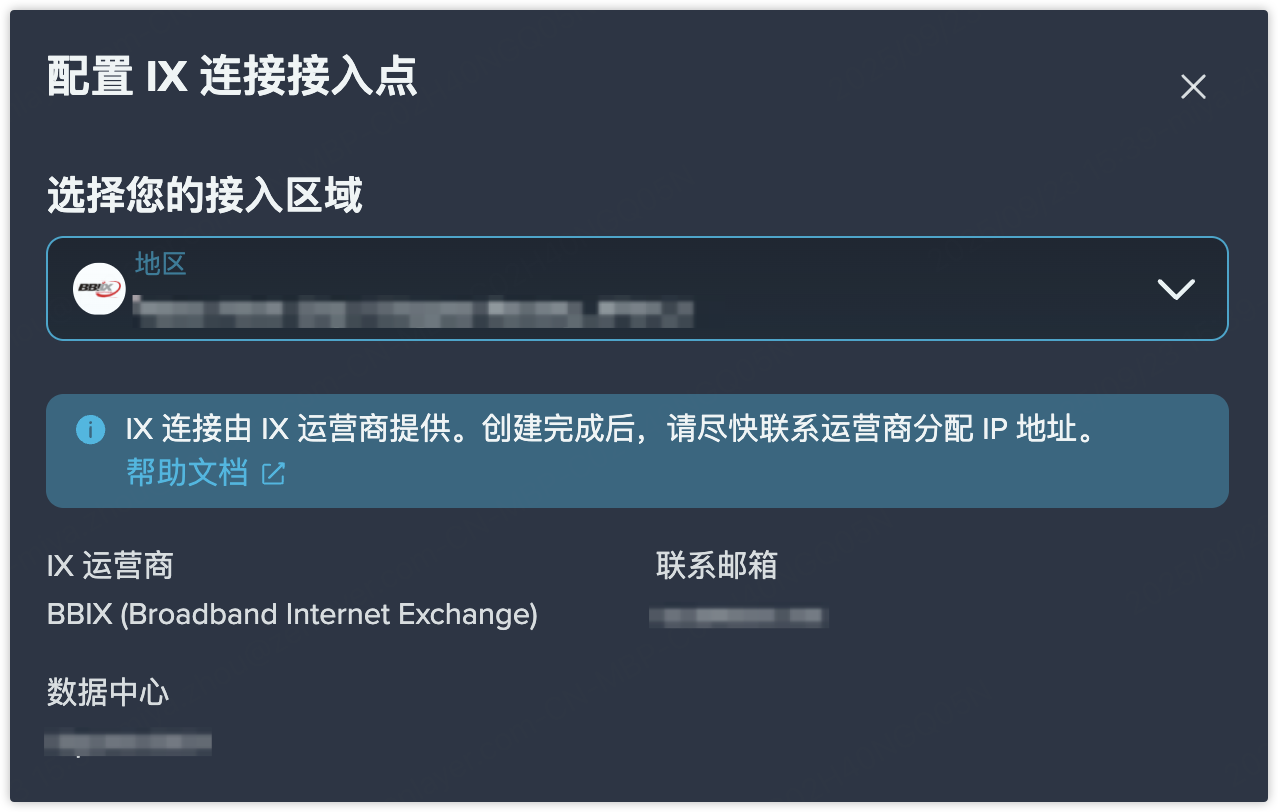
目前,IX 连接支持四家 IX 合作伙伴:
* **BBIX**(BroadBand Internet eXchange)
* **SGIX**(Singapore Internet Exchange)
* **DE-CIX**(Deutsche Commercial Internet Exchange)
* **EIE**(Equinix Internet Exchange)
{% hint style="info" %} **注意**\ 配置完成后,客户必须与所选的 **IX 合作伙伴**协调以获取对等会话的 IP 地址。
{% endhint %}
## 概念
* **ISP(互联网服务提供商)**\
提供用户互联网接入服务的组织。
* **IX(互联网交换中心)**\
网络直接互联以交换互联网流量的物理基础设施。
* **IX 合作伙伴**\
已经与 Zenlayer 平台建立互联,或计划建立互联的 IX 运营商。
* **IX 端口**\
IX 合作伙伴连接到我们平台所使用的端口。
* **IX 连接**\
通过 IX 端口传输的逻辑服务,通常通过 VLAN 区分。
## 操作流程
{% stepper %}
{% step %}
**选择 IX 合作伙伴**
目前,IX 连接支持四家 IX 合作伙伴: