> For the complete documentation index, see [llms.txt](https://docs.console.zenlayer.com/welcome/llms.txt). Markdown versions of documentation pages are available by appending `.md` to page URLs; this page is available as [Markdown](https://docs.console.zenlayer.com/welcome/bare-metal/get-started/create-a-bare-metal-instance/select-a-location.md).
# Select a Location
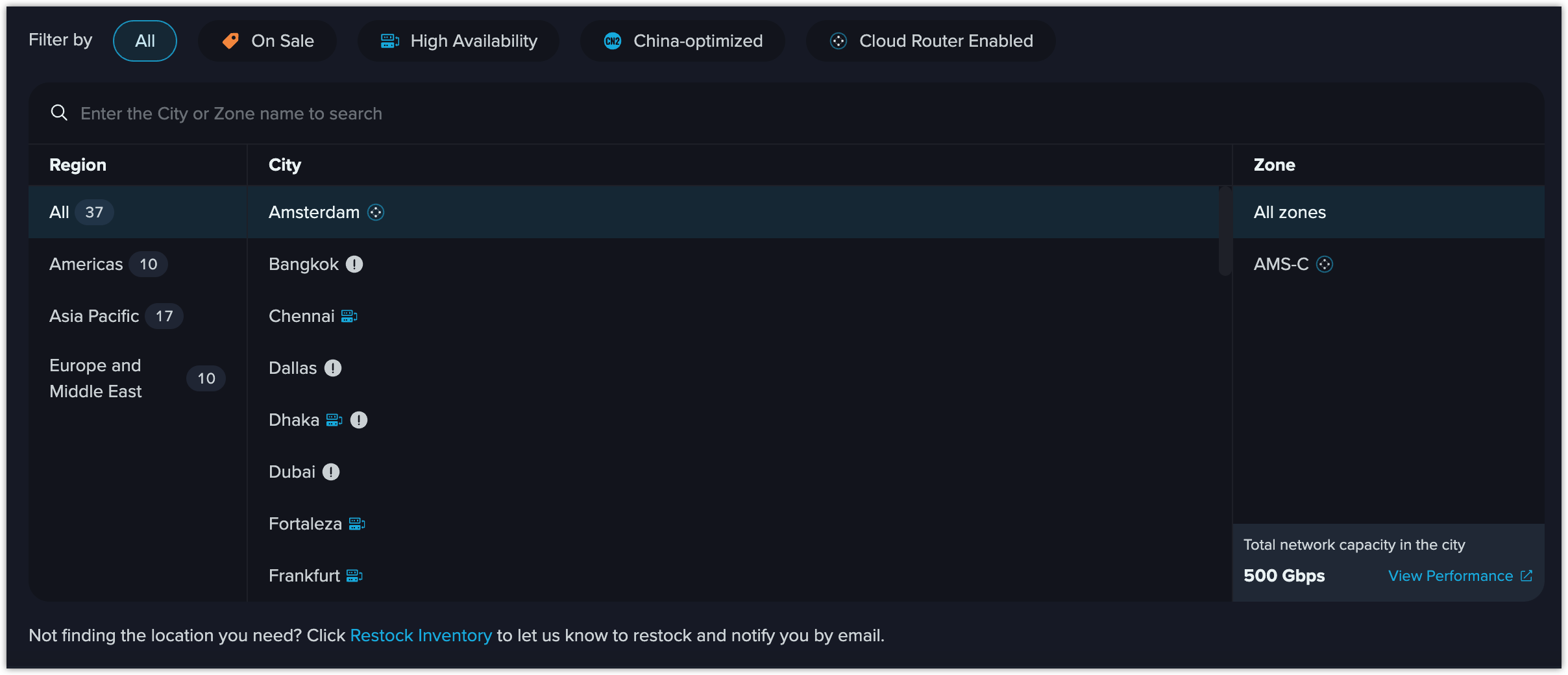
Bare metal instances are zone-specific resources and you need to provision your instances in specific [zones](/welcome/bare-metal/overview/models-zones-and-operating-system.md#zones) in cities. Select a city and its corresponding zone.
You can filter the cities by the following conditions, and more cities will be available for these functions soon.
Select a Location
## On Sale
You can purchase instances at a reduced price in zones on sale.
## High Availability
Bare Metal HA (High Availability) refers to Network Bonding, a process of combing two physical NICs together into a single logical one, which provides redundancy to achieve higher reliability.
## China-optimized
China-optimized cities support CN2 GIA (CN2 Global Internet Access), the fastest and most stable China route, helping you to access to China from overseas. As for now, Los Angeles, Hong Kong and Tokyo are available for CN2.
## Cloud Router Enabled
Only some models of the instances in specified zones can be accessed to Zenlayer backbone, supporting cloud router, that is support VPC creation. If you have related network planning, please filter and select corresponding zones.
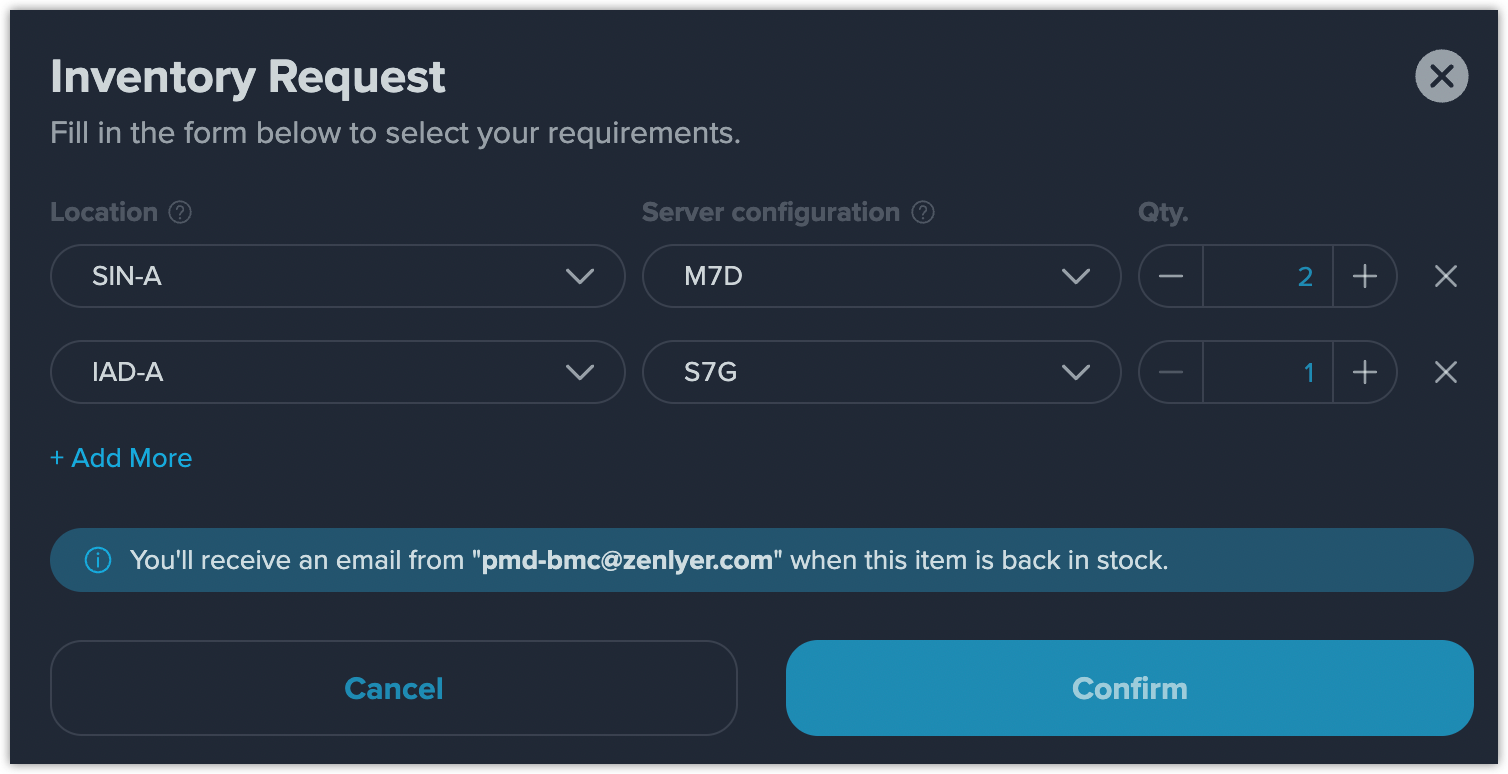
## Restock Inventory
If you haven't found the location you need, click **Restock Inventory** on the right.
Fill the table with **Location**, **Model** and **Quantity** to submit your request.