# Configure an SSL Certificate

Go to **SSL Certificates** > **Upload SSL Certificate**.

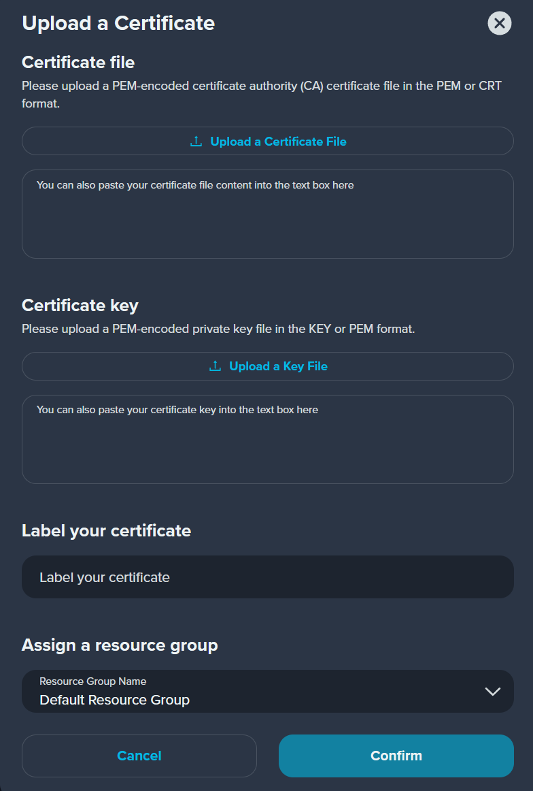
<div align="left"><figure><img src="https://3201622183-files.gitbook.io/~/files/v0/b/gitbook-x-prod.appspot.com/o/spaces%2F9X3FDdkCL2HzhbPpPMFt%2Fuploads%2FJyShPfw9Ut1js0BZqad3%2Fimage.png?alt=media&#x26;token=395fa208-4703-49e1-ae6c-56f9270bbba9" alt="" width="401"><figcaption></figcaption></figure></div>

<table><thead><tr><th width="164">Parameter</th><th>Description</th></tr></thead><tbody><tr><td>Certificate File</td><td>Upload a PEM-encoded certificate authority (CA) certificate file in the PEM or CRT format.</td></tr><tr><td>Private Key</td><td>Upload a PEM-encoded private key file in the KEY or PEM format.</td></tr><tr><td>Label</td><td>In order to easily identify the function of the certificate, you can mark a name for the certificate</td></tr></tbody></table>
